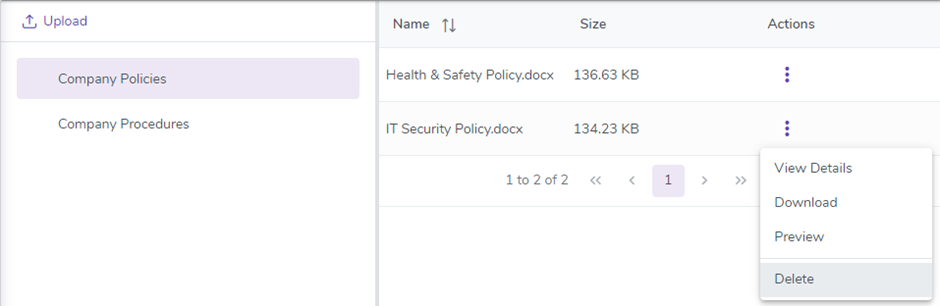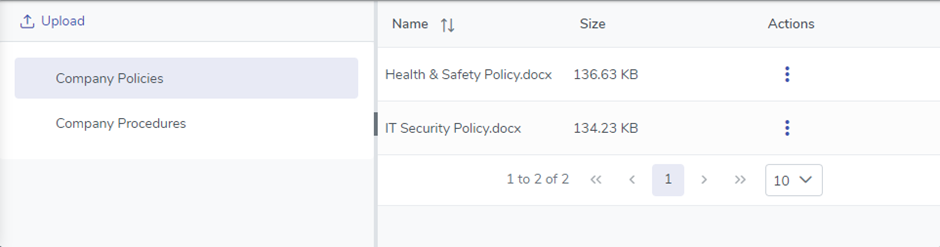
The Documents area is where you view and upload electronic documents to be stored within the Organisation Folders that were setup in Configuration – Folders.
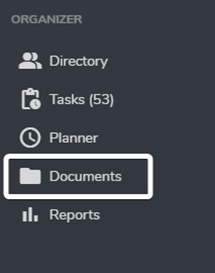
To navigate there you would click on the Documents menu (outlined below), however this is only visible to employees when they have been granted access to at least 1 Organisational Folder. If they don’t have access to any folders then they won’t see the menu.
Any folder an employee has been granted access to will display on the left-hand side and once selected all the files contained within it will display on the right-hand side.
Clicking on a file will attempt to preview it or you can simply download it to your local device.
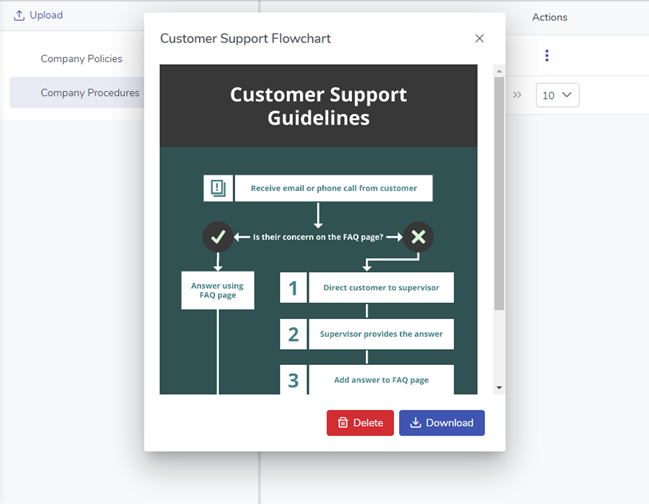
If the user logged in has Edit rights to the Folder they will be able to upload new Documents as well as rename and delete existing Documents. To upload new files simply click the Upload button in the top left corner.
To rename or delete a file click the  in the Actions column next to the file you wish to View Details for or Delete.