
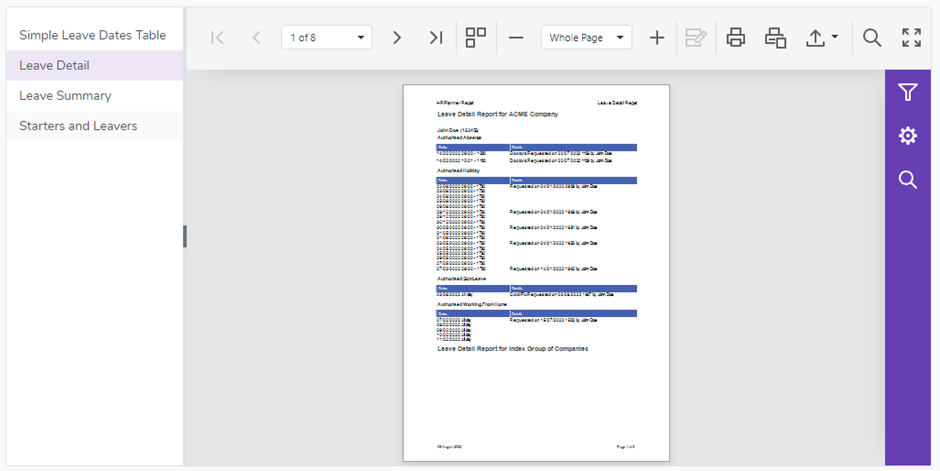
The Reports section provides access to both summary and detailed reports for the data contained within the HRPlanner platform.
During this trial and testing phase there are only a few reports which have been created but more will be added shortly.
To run a report simply select the one you require from the list on the left.
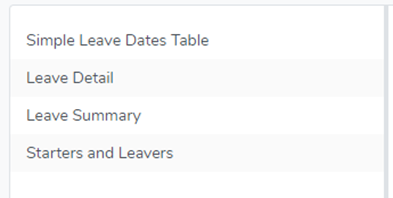
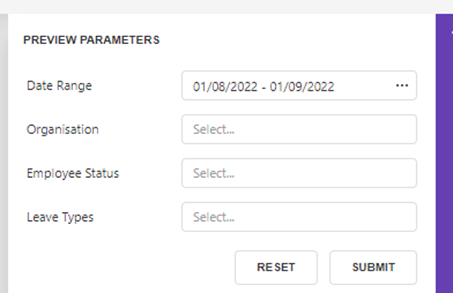
After you click on a report a “Preview Parameters” window will appear on the right allowing you to filter the data that will be used to build the report.
The Reports can have different filters so for this example we will select the “Simple Leave Dates Table” report where the window looks like this:
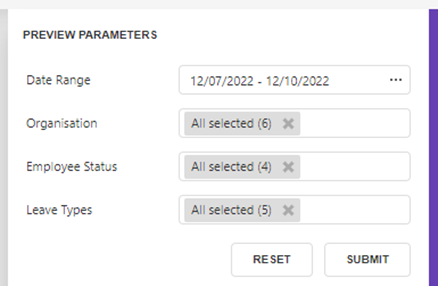
After you have chosen your required filters click the Submit button to run the report.
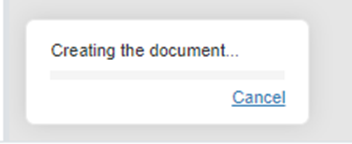
You will see the following progress bar in the bottom left corner whilst the report is being built.
Here are some of the menu items that appear above the report and what they do.
 | Toggle between viewing all pages or viewing a single page at a time |
 | Print all pages |
 | Print current page only |
 | Export the report |
 | Search for text in the report |
 | View the report Full screen |