
Every Organisation has their own unique login URL which looks like https://xxxxx.onhrplanner.uk/. If you do not know your login URL then please speak to your Manager or the person inside your Organisation that is responsible for HRPlanner.
When you type your unique URL into your web browser you will be greeted with the HRPlanner login screen as below:
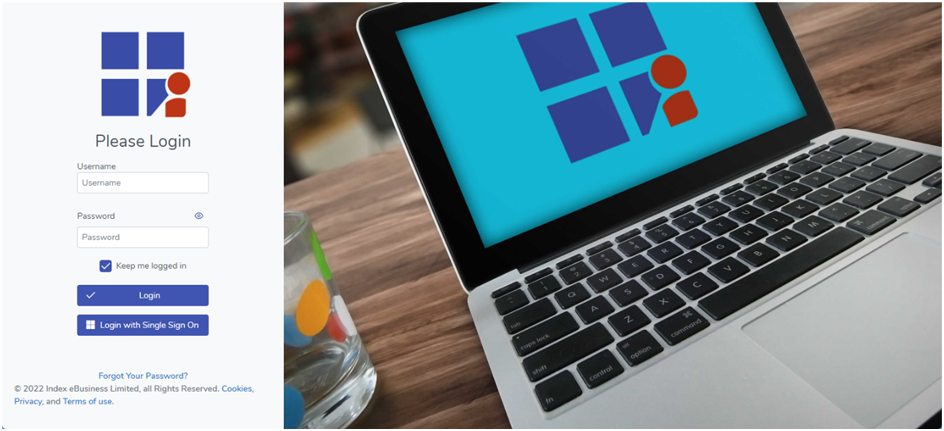
Go ahead and type your username and password into the Username and Password boxes and click 
If your username and password do not work then you can use the “Forgot Your Password?” link to reset your HRPlanner details.
Once you have logged in you will be presented with your Dashboard.