

This section allows you to setup and define any Working Pattern that is used across your Organisation.
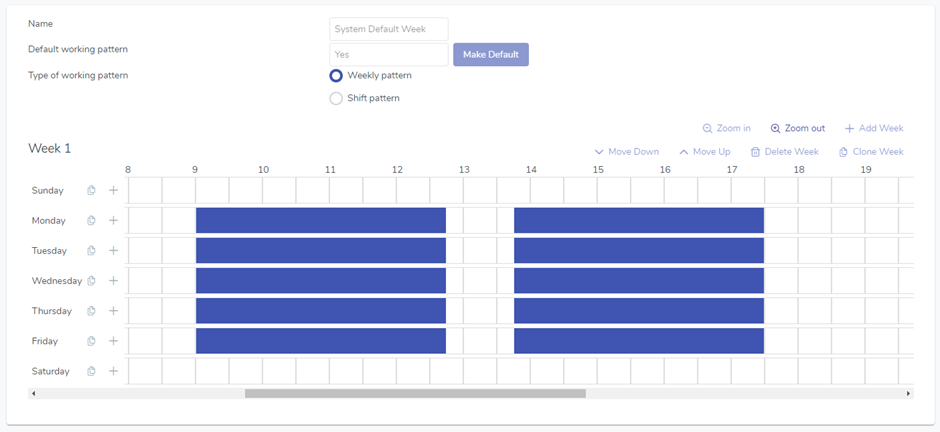
When you create or edit a Working Pattern you can now choose a Type:
Weekly Pattern
This is a weekly repeating schedule where you can define the number of weeks before it repeats. The smallest term you can add is 1 week.
Shift Pattern
This is a daily repeating schedule where you can define multiple shift patterns of varying days before it repeats. The smallest term you can add is 1 day.
After you have defined your Working Patterns you can assign them to your employees in Directory -> Employee Profile -> Working Patterns.